
Quick Commerce Billing for Kirana Stores — Compete with 10-Minute Delivery
Quick commerce has trained customers to expect groceries in minutes. For the neighbourhood kirana store, that is both a threat and an opening — because no app can beat a shop that already sits next to the customer. The missing piece is fast, organised billing that can handle phone and WhatsApp orders alongside the counter rush.
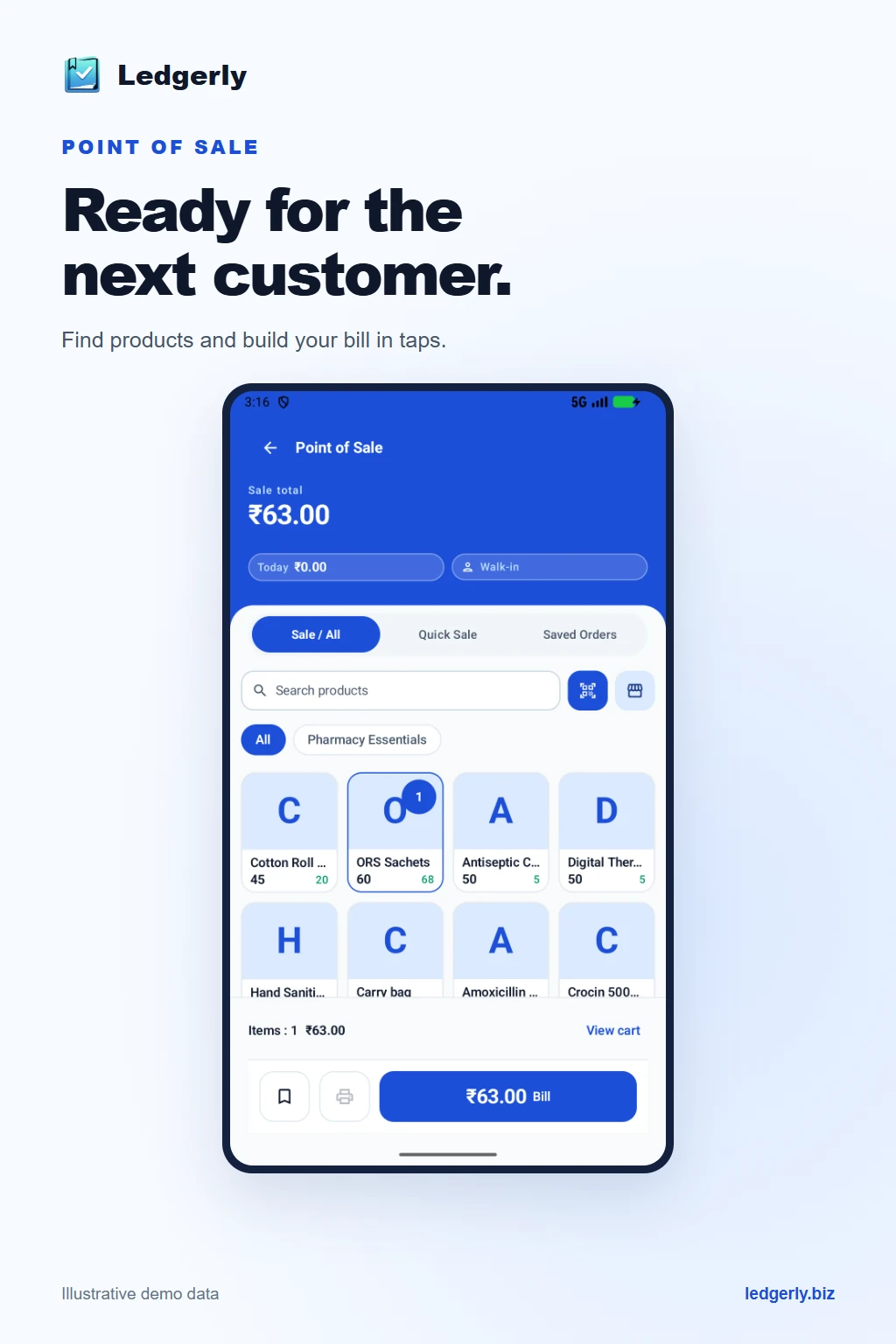
Why kirana stores can win at quick commerce
Quick-commerce platforms run on dark stores and thin margins. A kirana store already has the two things they spend crores to build: local inventory and local trust. Your regular customers know you, owe and pay on khata, and live within a few minutes of your shelf. If you can take an order on the phone and bill it as fast as you bill at the counter, you can deliver in the same ten minutes — without paying a platform commission.
The bottleneck is rarely delivery. It is the billing and stock chaos that happens when orders come from three places at once — walk-ins, phone calls and WhatsApp messages.
What "quick commerce billing" actually means for a kirana
- Speed: Build a bill in under a minute even when a customer reels off ten items over the phone.
- One stock, many channels: Counter sales and delivery orders must draw from the same inventory so you never promise stock you have already sold.
- Khata for regulars: Delivery customers are usually your credit regulars — the order should flow straight into their khata if they are not paying on the spot.
- WhatsApp sharing: Send the bill to the customer before the delivery boy even leaves, so the amount is confirmed.
- GST-correct: Every bill should still carry the right GST so your books stay clean as volume grows.
A simple workflow for delivery + counter orders
- Customer calls or messages an order on WhatsApp.
- You open Ledgerly's kirana billing, search items and build the bill in seconds — stock deducts automatically.
- If they pay later, tag the bill to their khata; if they pay on delivery or UPI, mark it paid.
- Share the bill on WhatsApp instantly so the customer sees the total.
- Hand the order to your delivery boy with the printed or digital bill.
- At day end, your sales, pending khata and stock are all already reconciled.
Because counter and delivery billing happen in the same app, you never run two separate registers or discover at closing time that the shelf and the books disagree.
How Ledgerly fits a quick-commerce kirana
Ledgerly is built for exactly this mix of fast, mixed-channel selling. The POS billing is quick enough for rush-hour counter sales, while the same product catalogue and stock power your phone and WhatsApp delivery orders. Credit sales drop into customer khata automatically, and you can share every bill on WhatsApp in a tap. Inventory updates with each sale across all channels, so a fast-moving item is never oversold.
New to choosing software for a grocery shop? Start with our guide to the best billing software for kirana stores, which covers the core features every grocery owner should look for before adding delivery on top.
Frequently Asked Questions
Can I bill delivery and walk-in customers from the same app?
Yes. Ledgerly uses one product catalogue and one stock pool, so counter sales and delivery orders are billed in the same place and draw from the same inventory. There is no separate system to reconcile.
How do I take an order over WhatsApp and bill it quickly?
Open Ledgerly, search and add the items the customer listed, choose the customer, and the bill is ready in under a minute. You can share the bill back on WhatsApp in one tap before the delivery goes out.
Do delivery orders update my stock automatically?
Yes. Every sale — counter or delivery — deducts stock automatically, so your inventory count always reflects what is actually on the shelf and you avoid overselling popular items.
Can regular customers order on credit for delivery?
Yes. If a regular customer pays later, tag the delivery bill to their khata. The balance updates automatically, and you can send a WhatsApp payment reminder when dues build up.
Run your kirana like quick commerce — without the commission
Bill counter and delivery orders together, keep stock accurate and send bills on WhatsApp instantly. Explore Ledgerly plans for your kirana store.
Open Web AppFree core billing. Right on your PC.
Install Ledgerly Desktop for GST invoices, basic POS, inventory and Khata. Core billing works offline on Windows 10 and 11. Optional Pro and Business upgrades are one-time purchases: pay once, use your licensed Desktop features for life. Online services are priced separately.